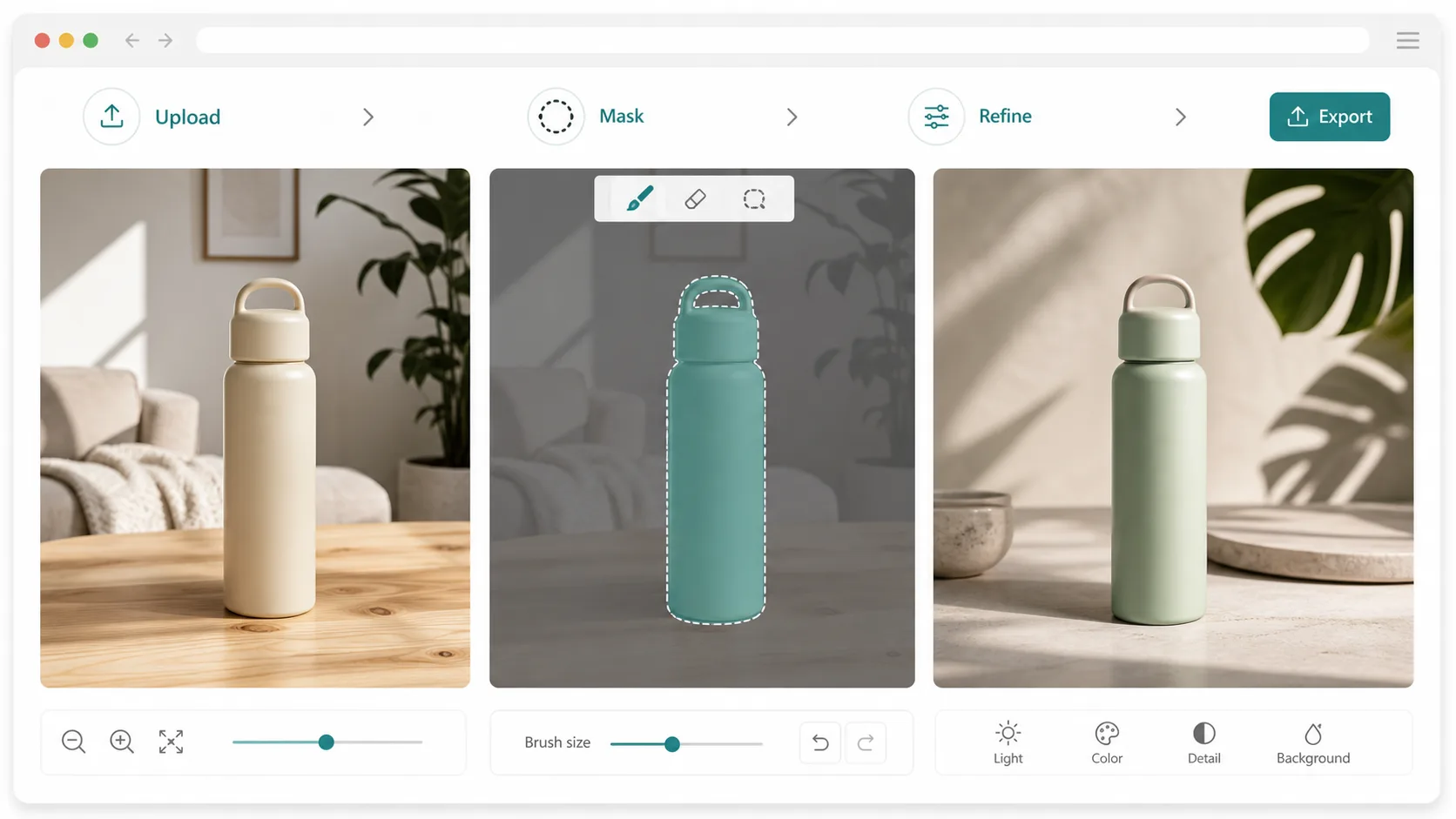
Online AI image editing is most useful when it preserves what is already correct in the reference and changes only what blocks launch.
Use this workflow to turn product images, screen captures, or brand visuals into posters, infographics, UI mockups, and ads.
Write the edit brief before uploading
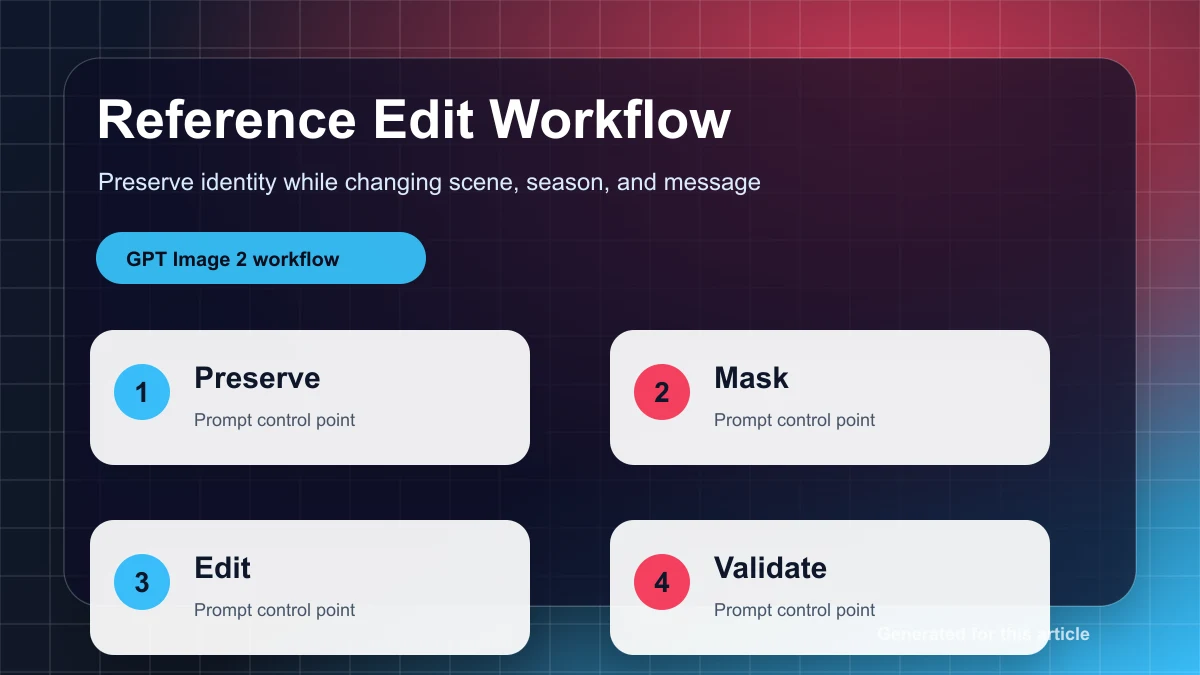
A good edit brief states the source image, channel, ratio, locked elements, editable elements, copy zones, and launch goal. This prevents the image editor from changing the parts that were already approved.
Locked elements can include product shape, screen layout, packaging, face expression, logo position, brand colors, and typography space. Editable elements include background, crop, props, lighting, seasonal setting, and CTA area.
Turn one reference into a campaign poster
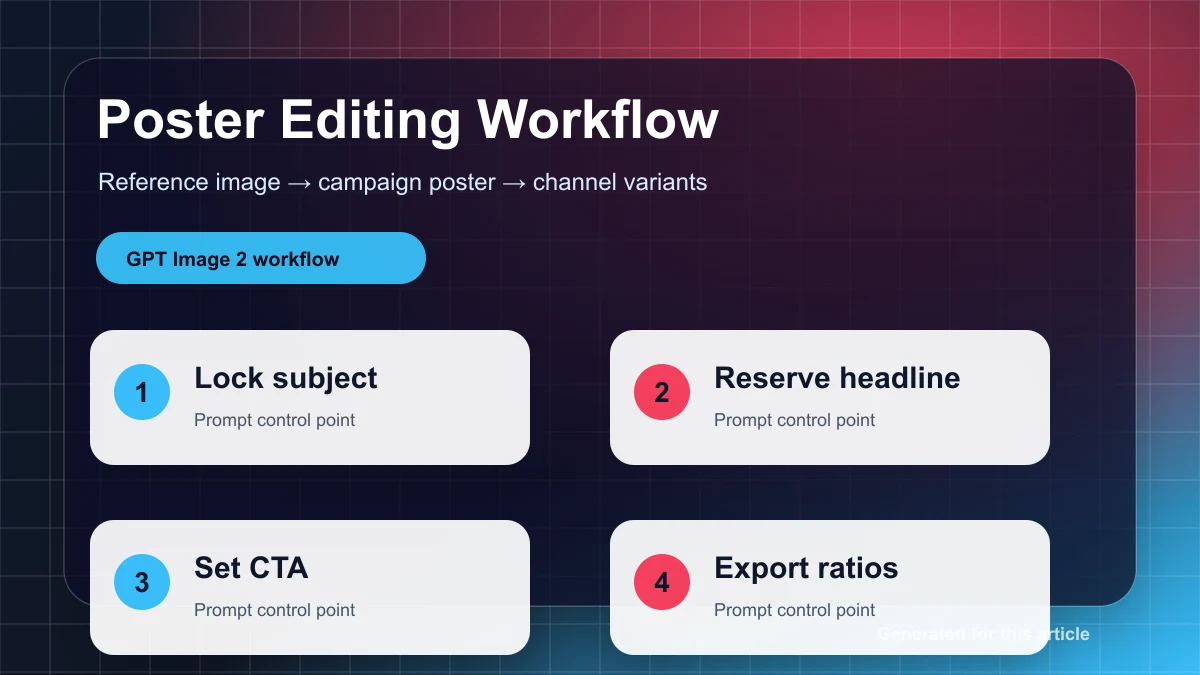
For posters, preserve the hero subject first. Then request background atmosphere, headline space, offer badge placement, and a strong focal path. Do not ask the model to solve product accuracy and poster layout in the same vague sentence.
Build infographics from visual hierarchy
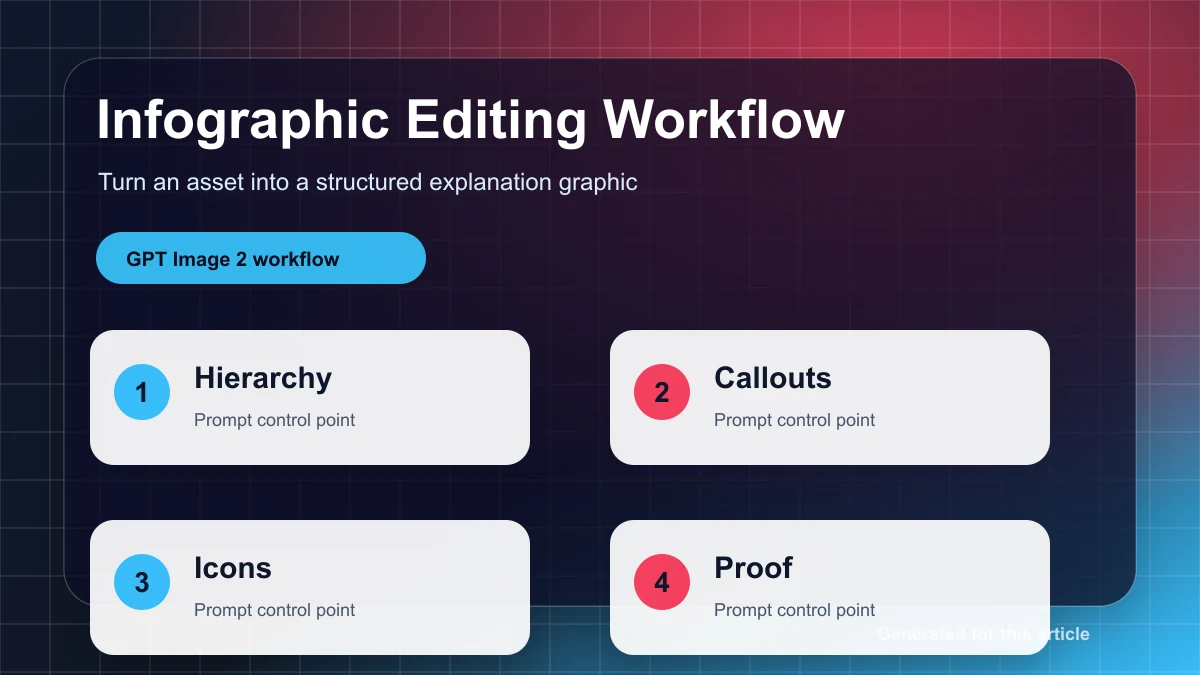
Infographics need information structure. Ask for a grid, callout zones, icon-style markers, comparison areas, and a reserved block for final copy. Add text only after the visual hierarchy is stable.
Use UI mockups for product storytelling
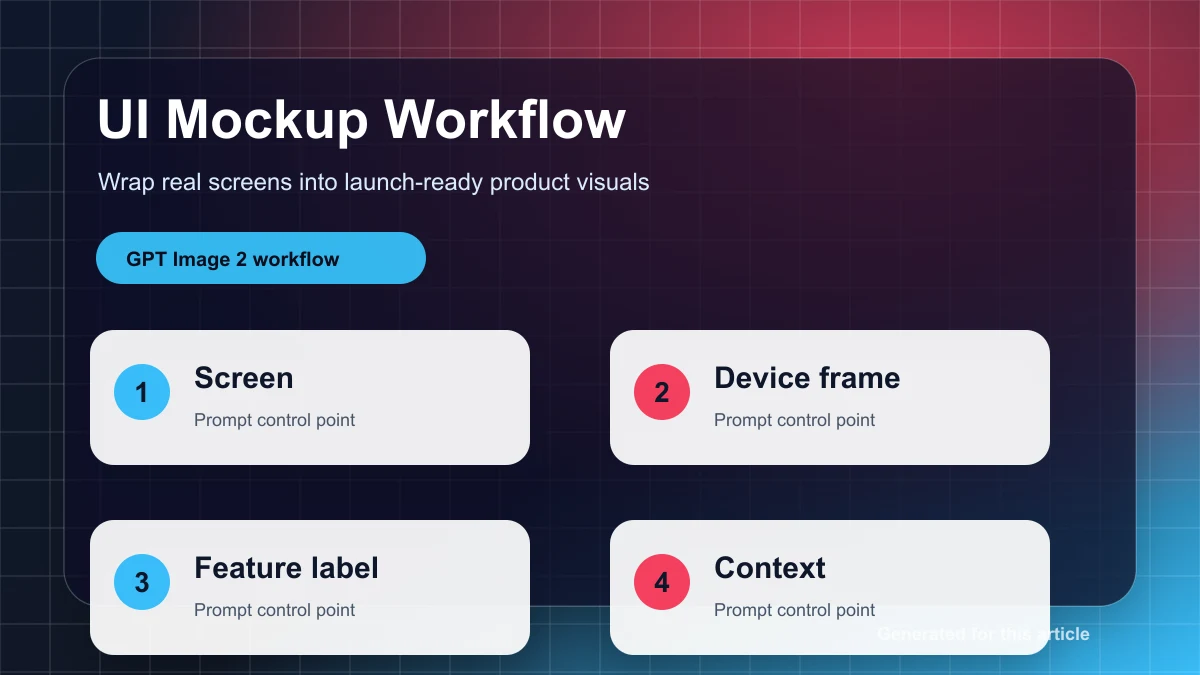
Upload a real screen or wireframe, then request a cleaner presentation frame, device perspective, feature highlight, or launch graphic. This is safer than generating an entire interface from nothing.
Export only after reference identity passes
Before publishing, check identity preservation, ratio, readable text zones, CTA visibility, unwanted marks, and channel crop. An approved edit should become a reusable brief for the next asset.
Use GPT Image 2 AI to turn your next reference image into launch-ready assets.