# GPT Image 2 vs Gemini for AI Art: Control, Style, and Finished Visuals
A creator-focused comparison of GPT Image 2 and Gemini for AI art, style direction, character consistency, embedded text, and polished creative assets.
Key takeaways
- GPT Image 2 is the better starting point when an artwork needs readable lettering, character continuity, or a tight creative brief.
- Gemini remains useful for loose visual exploration, fast concept boards, and discovering unexpected art directions.
- Artists should compare models by editability and final-use readiness, not only by first-glance beauty.
- A hybrid workflow can use Gemini for breadth and GPT Image 2 for controlled final candidates.
Creative quality is not just prettiness
For AI art, the GPT Image 2 vs Gemini debate can become too shallow if it only asks which output looks more impressive at first glance. Artists care about mood, texture, composition, and surprise, but they also care about whether the image can become a usable poster, concept sheet, thumbnail, product graphic, or portfolio piece. A beautiful draft that cannot obey revisions is still a draft.
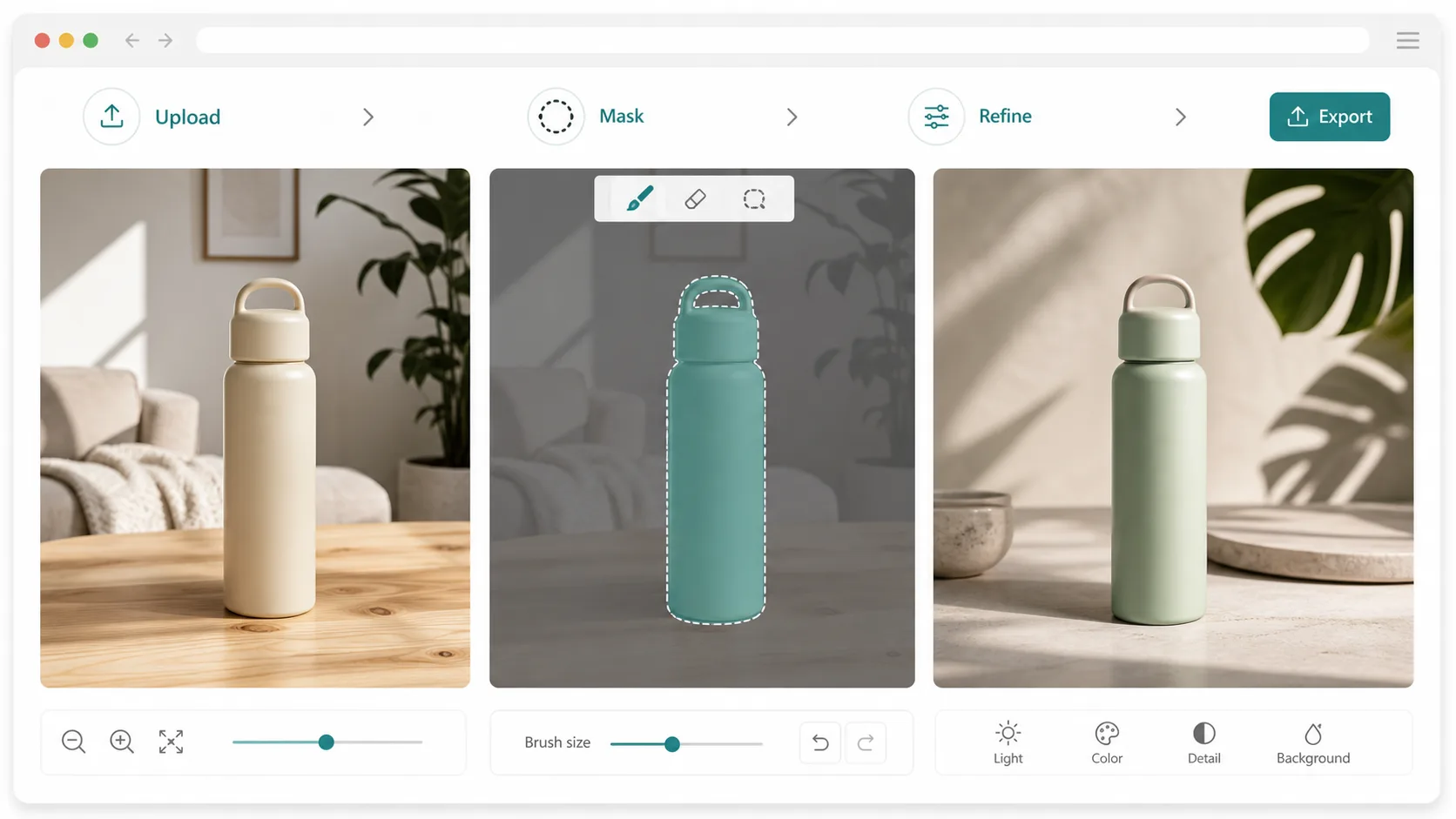
GPT Image 2's advantage is control. When a prompt asks for a specific scene, a specific object relationship, readable title text, or a repeatable character identity, control becomes part of artistic quality. The model does not need to be less creative; it needs to keep the creative brief intact while still producing a visually rich image.
Gemini can be valuable precisely because it is more exploratory. When the goal is to break out of a stale direction, generate mood-board options, or test several atmospheric possibilities, a looser model can be useful. The mistake is treating exploration and final art direction as the same task.
Text and symbols change the model choice
Many AI art projects eventually need words. A fantasy book cover needs a title area. A sticker sheet may need short captions. A game concept board may include faction names, interface marks, or signage. When those elements are part of the artwork, weak text rendering turns into a production blocker.
GPT Image 2 should be tested first for art that includes lettering, symbols, badges, posters, menus, cards, packaging, or social graphics. It is better suited to respecting the location and presence of those elements. Even if a designer later replaces the typography manually, a more accurate draft helps the composition make sense from the beginning.
Gemini can still produce compelling images without text. It may create expressive lighting, appealing scenes, and attractive variations quickly. But if the final image depends on legible embedded copy, the cost of fixing mistakes should be counted as part of the generation cost.
Style direction needs repeatability
A single impressive image is easy to admire and hard to build around. Artists often need a series: three character poses, a set of thumbnails, a campaign look, or multiple scenes that share palette and mood. GPT Image 2 is useful when the prompt describes style constraints that must repeat across outputs.
For example, a creator may ask for a clean editorial illustration with controlled shadows, a consistent character silhouette, and limited accent colors. If each generated result drifts into a different aesthetic, the set becomes harder to use. Consistency is not boring; it is what turns one image into a visual system.
Gemini may be better during the search phase. Let it roam across lighting, composition, and genre references. Once a direction is chosen, move the stricter brief to GPT Image 2 for candidate images that need to align with a final style guide.
Character and object continuity are practical constraints
AI art workflows frequently fail when a character changes face shape, costume details, or proportions from one image to the next. The same problem appears with products, props, mascots, and branded objects. If continuity matters, the model must do more than render a nice scene; it must preserve identity cues.
GPT Image 2's precision makes it a stronger candidate for controlled variations. A creator can define the character, pose, environment, color logic, and required visual anchors. The output still needs review, but the prompt has a better chance of acting like direction rather than vague inspiration.
Gemini is still useful for imagining alternate worlds around that character. It can help explore backgrounds, camera angles, or lighting moods. The key is to separate continuity-critical work from atmosphere exploration instead of asking one model to optimize both at once.
Judge by final-use readiness
Creators should score models by how close an output is to actual use. Can the image be posted? Can it be used as a cover draft? Does it have enough negative space for copy? Are important details clean? Does it need heavy overpainting? A model that wins first impression may lose when measured by finishing work.
GPT Image 2 often has an advantage when the artwork has a job: thumbnail, ad visual, product illustration, presentation hero, or cover concept. These formats require composition discipline. The subject must not fight the headline area. The visual must not bury the object. The prompt must not disappear into style.
Gemini deserves credit when the job is discovery. It can help creators generate many directions quickly, including directions they would not have specified. Use that strength intentionally, then move to the more controlled model when the project needs final candidates.
Recommended creative workflow
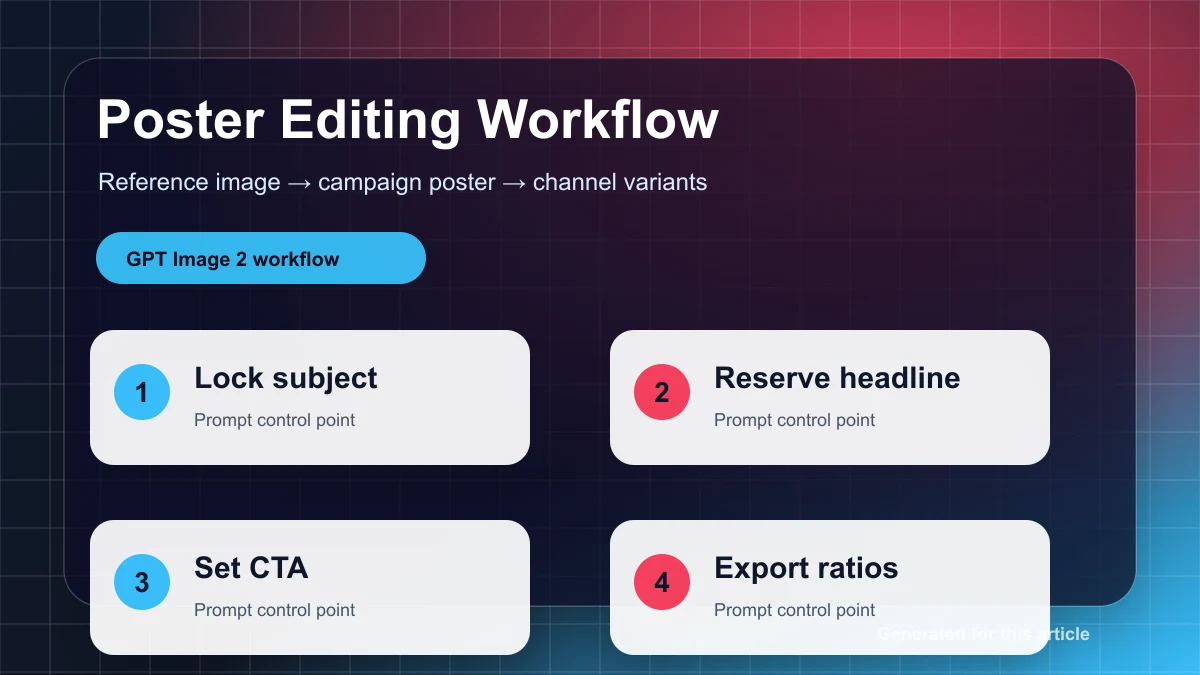
Start with Gemini when the brief is still loose: explore mood, color, scene type, and broad composition. Save the strongest ideas, then translate the chosen direction into a stricter GPT Image 2 prompt with explicit subject placement, style rules, text constraints, and output format.
Use GPT Image 2 for the final candidate set when the image must carry readable words, consistent character details, product-like objects, or a specific layout. Review each result for usability rather than novelty. The goal is not simply more images; it is fewer dead ends.
This two-stage workflow respects both models. Gemini supplies creative breadth. GPT Image 2 supplies controlled execution. For artists, that is a better answer than declaring one model universally superior.
Field checklist for ai art decisions
Use this article as a working checklist, not a static verdict. For GPT Image 2 vs Gemini for AI Art: Control, Style, and Finished Visuals, the first check is whether the image has a measurable acceptance condition. A measurable condition can be a readable phrase, a fixed layout, a recognizable product detail, a required art direction, or a maximum number of retries. If the acceptance condition is vague, both models can appear to perform well while the team still has no reliable publishing rule.
The second check is whether the prompt can be made repeatable. Save the exact prompt, the model path, the accepted output, and the reason it passed. For AI art, GPT Image 2, Gemini, this habit matters because small prompt changes can create large output changes. A repeatable prompt library gives the team a way to improve results over time instead of restarting from intuition on every asset.
The third check is whether the output can move directly into the next production step for ai art. If the person responsible for AI art must rebuild the important parts manually, the generation was only a sketch. That may still be useful, but it should be priced and routed like exploration. When the image can move into review with only light edits, it belongs in the production lane for this article's use case.
Common mistakes to avoid
Do not compare one best GPT Image 2 result against one best Gemini result. Compare the full attempt history. A model that needs fewer retries is often the better operating choice even if another model occasionally produces a stunning outlier. This is especially important for ai art workflows, where the team needs predictable throughput rather than isolated showcase images.
Do not ignore the reviewer's job for GPT Image 2 vs Gemini for AI Art: Control, Style, and Finished Visuals. A reviewer must check text, subject accuracy, layout, policy risk, brand fit, and whether the visual matches the channel where it will appear. The model that makes those checks faster creates business value for ai art. The model that looks impressive but adds uncertainty creates hidden cost.
Finally, do not let the benchmark replace judgment in ai art. Benchmarks explain where to start; real prompts explain what to ship. Treat GPT Image 2 and Gemini as tools with different operating profiles, then build a lightweight route that matches each AI art request to the model least likely to fail in that context.
Before publishing a decision, run one last sanity check against the actual channel. A blog hero, social graphic, ecommerce image, and UI concept are judged in different contexts. For GPT Image 2 vs Gemini for AI Art: Control, Style, and Finished Visuals, the winning model is the one that keeps the image useful after it is resized, cropped, reviewed, and placed next to real page copy. That final placement test catches failures that are easy to miss when looking only at a full-size generated image.
Keep the notes short enough that the team will actually use them. A useful record has the prompt, model, number of attempts, accepted image, rejection reason, and next action. Over time, those notes show whether GPT Image 2 vs Gemini for AI Art: Control, Style, and Finished Visuals is pointing toward a stable default route or whether the team needs separate rules for different image classes.
Frequently asked questions
Is GPT Image 2 better for AI art than Gemini?
It is often better for controlled AI art, especially when the image needs text, consistent subjects, or a precise brief. Gemini can be better for loose exploration and mood-board variation.
Which model should I use for character art?
Use GPT Image 2 when character continuity matters. Use Gemini when exploring environment, mood, or broad visual directions around the character.
Can Gemini still create high-quality artwork?
Yes. Gemini can create attractive and imaginative visuals, particularly when the task does not require exact lettering or strict layout control.
What is the best hybrid workflow for artists?
Use Gemini for concept breadth, then use GPT Image 2 for controlled final candidates with clear composition, text, and style constraints.